
10+ Best WooCommerce Plugins to Build a Subscription Business (Complete Stack)
Let me paint you a picture.
You spend three weeks building a WooCommerce store. You get your first sale. You celebrate. Then you spend another three weeks trying to get your second sale.
That is the exhausting reality of one-time purchase businesses. Every month starts at zero. Every month is a scramble.
Subscription businesses are different. You still work hard to get that first customer, but then they keep paying you every month without you having to convince them all over again. The revenue stacks. The stress drops. Your mornings become considerably less panicked.
But here is the thing: WooCommerce does not come with subscription functionality out of the box. You need plugins. And not just one plugin. To build a proper subscription business on WooCommerce, you need a stack of tools that work well together.
This guide walks you through the ten best WooCommerce plugins to build a complete subscription business, from billing and payments to customer retention and reporting.
What You Actually Need in a Subscription Stack
Before getting into individual plugins, here is what a complete subscription business actually needs to function:
A core subscription billing plugin handles the recurring payments, renewal automation, and subscriber management. This is non-negotiable. You cannot have a subscription business without it.
A payment gateway that supports tokenized recurring payments. Not all payment gateways do. Stripe is the most reliable option for most stores.
A customer support system. Subscription customers cancel when they feel ignored. Fast, good support keeps them subscribed.
Email marketing serves as a tool to maintain customer relationships. Renewal reminders, win-back campaigns, and upgrade nudges all happen through email.
Analytics so you know your MRR, churn rate, and lifetime value. Otherwise, you are flying blind.
Everything else is optional but useful depending on your business model.
You should include these ten plugins in your software collection after establishing the initial framework.
1. ARMember
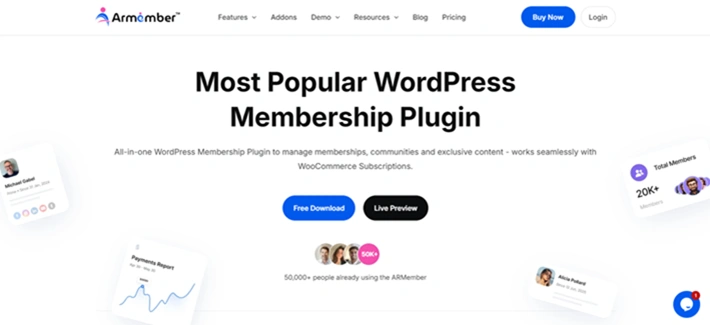
If you’re looking for an all-in-one WordPress plugin that builds you a complete membership subscription website with zero coding, ARMember is the best option out there.
The system lets you create a full-power subscription business with pricing options that fit your business strategy. You can easily monetize your exclusive content with recurring subscriptions, one-time access, parallel memberships subscriptions, and more. It lets you set flexible cycles of monthly, weekly, yearly and more.
ARMember comes with 21+ payment gateways for accepting subscription fees and gives access automatically once a user signs up. You can also create a custom signup and login form using its built-in form builder.
Best of all, it integrates with over 15+ email marketing tools, as well as WooCommerce, Zapier and many more. You can even send automatic notifications for membership activities via email, SMS, and WhatsApp.
Key Features
- Over 57+ in-built addons
- Advanced content restrictions
- Online courses creations along with digital downloads
- Drip content rules
- Built-in gamification elements
- Powerful members panel
Price: Free version available; starting from $79/Year
Best For: All WooCommerce stores or any business owners who want to start their own membership subscription business with ease.
2. WPSubscription

WPSubscription exists as the most user-friendly WooCommerce subscription plugin, which businesses at all development levels can afford through its pricing system.
The system operates all fundamental subscription functions with ease through its support for recurring payments, which occur every day, week, month, or year, and its free trial functionality, its sign-up fee system, its automated renewal notification system, and its self-service portal, which enables subscribers to manage their plans independently.
The dashboard provides an organized display that shows your current subscribers and their renewal dates and payment failures without needing to search through different reports.
The system supports Stripe, PayPal, and Paddle payment methods while enabling users to manage physical and digital subscription items through a no-code setup process.
WPSubscription provides businesses with their first subscription experience through its affordable entry-level subscription solution.
You are not paying $279 before you have even confirmed the model works for your customers.
Key Features
- Recurring billing with flexible schedules
- Free trials and sign-up fees
- Customer self-service portal
- Automated renewal and failure notifications
- Stripe, PayPal, and Paddle support
- Pause and resume functionality
Price: From $69/year.
Best For: WooCommerce stores of any size wanting a clean, easy-to-manage subscription system without overpaying for features they do not need yet.
3. FilterPlus – WordPress & WooCommerce Filtering Plugin

Filter Plus is a high-performance, SEO-friendly filtering solution that enables instant product and content discovery through AJAX-powered filters. Supports WooCommerce products, WordPress posts, custom post types, custom fields, and admin order filtering with clean, indexable URLs and customizable layouts. Compatible with major page builders (Elementor, Bricks, Oxygen, Gutenberg). Perfect for eCommerce stores and content-heavy sites looking to improve user experience and conversions.
Key Features:
- AJAX-powered filtering with no page reloads
- WooCommerce product filtering (attributes, price, rating, stock status, on sale)
- WordPress content filtering (posts, custom post types, taxonomies, categories, tags)
- Custom field and meta filtering
- Author-based filtering
- SEO-friendly clean URLs
- Active filter display with easy removal
- Multiple layout options (vertical/horizontal)
- Auto-apply or manual submit modes
- WooCommerce admin order filtering
- Shortcode, Gutenberg blocks, and page builder support
4. Putler
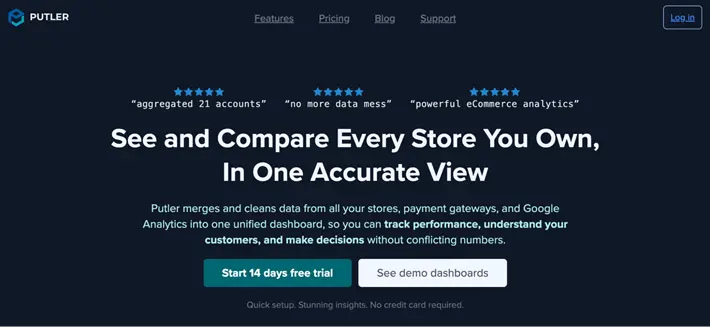
If you’re running a WooCommerce subscription business and want to understand where your revenue is coming from, how customers are behaving, and where you’re losing them, Putler is a great analytics solution to consider.
Putler brings your WooCommerce store, payment gateways, and other sales channels together in one dashboard. Instead of checking different platforms for sales, subscriptions, customers, and revenue data, you can see everything in one place and get a clearer picture of how your business is performing.
For subscription businesses, Putler lets you track important metrics such as MRR, ARR, churn, LTV, revenue, orders, and customer growth. You can also dig into customer behavior, identify your best customers, segment them using RFM analysis, and find products or customer groups that are driving the most revenue.
Best of all, Putler doesn’t just show you numbers. You can compare historical performance, create custom segments, forecast future revenue, and spot trends in your sales and customer data. It also cleans and combines data from different sources, which is especially useful if you manage multiple stores or payment accounts.
Key Features
- MRR, ARR, churn, and LTV tracking
- Customer segmentation and RFM analysis
- Revenue, sales, and product analytics
- Revenue forecasting and growth modelling
- Historical data comparisons
- Multiple WooCommerce stores and payment gateways
- 200+ eCommerce metrics and reports
- Automatic data cleaning and currency conversion
Price: 14-day free trial available; plans start at $20/month
Best For: WooCommerce subscription businesses that want to track recurring revenue, customer behavior, churn, and overall business performance from one dashboard.
5. WebToffee Subscriptions
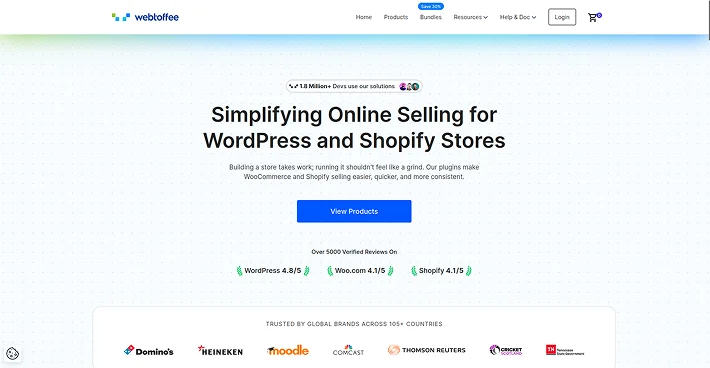
WebToffee Subscriptions has established itself as a trusted solution for WooCommerce store owners who need dependable features at an affordable cost. With over 50,000 active installations, it is clearly doing something right.
The plugin supports all basic subscription features through its combination of flexible billing options, free trial periods, customer subscription management, and automated renewal systems.
The platform enables businesses to operate worldwide because it supports multiple currencies and languages, which makes it suitable for international retail operations.
The pricing structure of $99 per year positions it between WPSubscription and the official WooCommerce plugin.
Key Features
- Flexible billing schedules
- Multi-currency and multilingual support
- Customer self-management portal
- PayPal and Stripe integration
- Automatic renewal and cancellation emails
Price: $99/year.
Pros: Solid features at a fair price, strong compatibility record, good multilingual support.
Cons: Fewer third-party integrations than the official plugin, support response times can vary.
Best For: WooCommerce stores selling subscriptions internationally or in multiple languages.
6. YITH WooCommerce Subscriptions
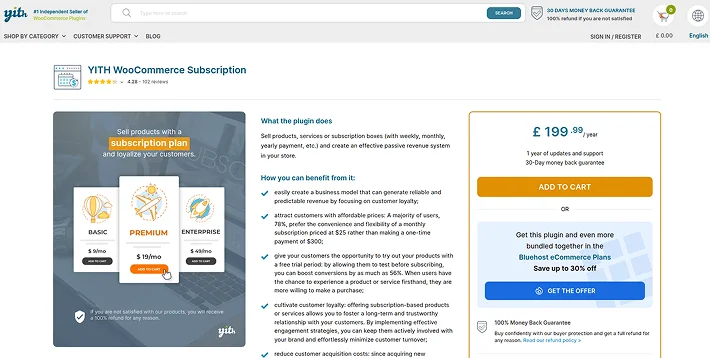
YITH is one of the few subscription plugins with a genuinely useful free version. If you want to start selling simple subscriptions and test whether the model works for your store before spending anything, YITH gives you a legitimate starting point.
The free version covers basic subscription plans for simple and virtual products with PayPal integration.
The premium version unlocks variable subscriptions, grouped subscriptions, and more advanced management features.
Key Features
- Free version available on WordPress.org
- Variable and grouped subscriptions (premium)
- Customer subscription management
- Pause notifications
- Multiple subscriptions per customer
Price: Free. Premium at $179/year.
Pros: Generous free version, beginner-friendly, clean interface.
Cons: Premium features feel locked behind a price jump that may surprise first-time users.
Best For: Beginners testing the subscription model, or small stores selling simple virtual or downloadable subscriptions.
7. WooCommerce Memberships
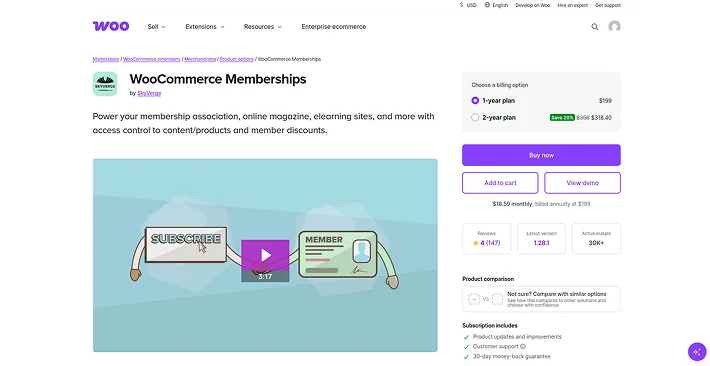
Subscriptions and memberships sound like the same thing, but they are not quite. The billing system of subscriptions operates through recurring payment cycles. A membership grants users access to specific content.
Most subscription companies need a combination of these two elements to succeed. The WooCommerce Memberships plugin enables you to protect your content, courses, downloads and store segments through different membership level access.
A subscription billing plugin enables you to establish a complete system that lets customers pay for content access through regular payments.
The official WooCommerce extension provides seamless integration between this tool and your existing WooCommerce system.
Key Features
- Content restriction by membership level
- Drip content scheduling
- Member-only pricing and discounts
- Integration with WooCommerce Subscriptions
- Member notes and custom messages
Price: $199/year.
Best For: Online course creators, content membership sites, or any subscription business where access to specific content is the core value proposition.
8. WooCommerce Subscriptions (by Woo)
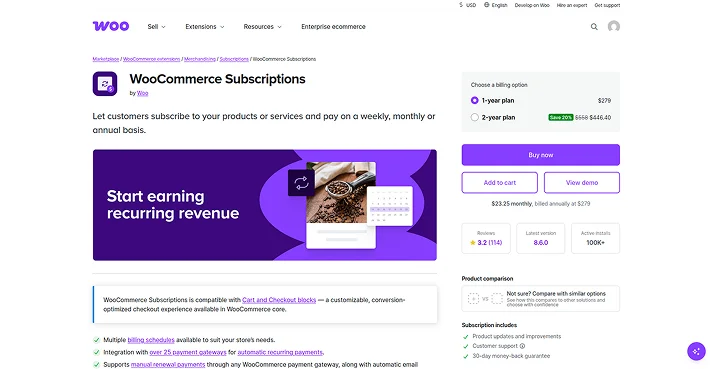
The plugin establishes complete WooCommerce integration while receiving priority compatibility updates for new WooCommerce versions and it supports more than 25 payment processing systems.
The downside is the price. At $279 per year, it is by far the most expensive option on this list. And there is no free trial, which means you are committing almost $300 before seeing how it behaves on your specific store setup.
For established stores with a proven subscription model and a large subscriber base, the investment makes sense.
For newer stores still testing the waters, it is a lot to spend before you know subscriptions will work for your audience.
Key Features
- Native WooCommerce integration
- 25+ payment gateway support
- Subscriber management with upgrade/downgrade
- Prorated billing for plan changes
- Extensive third-party plugin compatibility
Price: $279/year.
Pros: Widest payment gateway support, deepest WooCommerce integration, first-party updates.
Cons: Most expensive option, no free trial period, can feel over-engineered for simple use cases.
Best For: Large WooCommerce stores with complex subscription needs and international customer bases requiring diverse payment gateways.
9. Stripe for WooCommerce
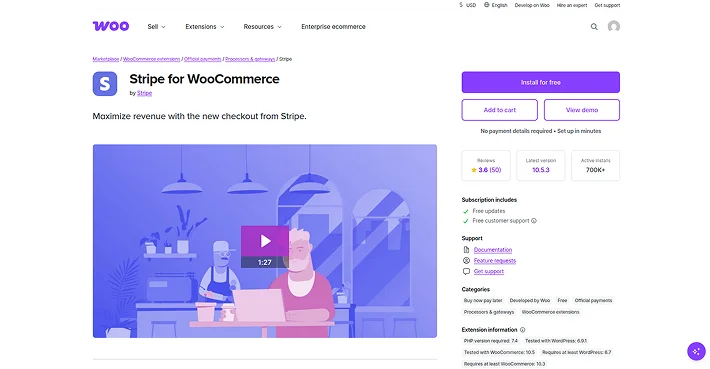
You cannot run a subscription business without a payment gateway that handles recurring charges reliably. Stripe is the gold standard.
The official Stripe plugin for WooCommerce handles card payments, automatic renewals, and failed payment recovery cleanly. It stores card tokens securely so renewals happen without customers entering their card details every month. And it works with most WooCommerce subscription plugins on this list.
The plugin is free. You pay Stripe’s standard transaction fees, which are typically 1.4% plus 20p per transaction for European cards (UK pricing) or 2.9% plus 30 cents for US transactions.
Key Features
- Secure card tokenization for renewals
- Supports 3D Secure authentication
- Handles failed payment retries
- Compatible with most subscription plugins
- No monthly fee, transaction-based pricing only
Price: Free plugin. Stripe’s standard transaction fees apply.
Best For: Every subscription WooCommerce store as the primary or secondary payment gateway.
10. Metorik
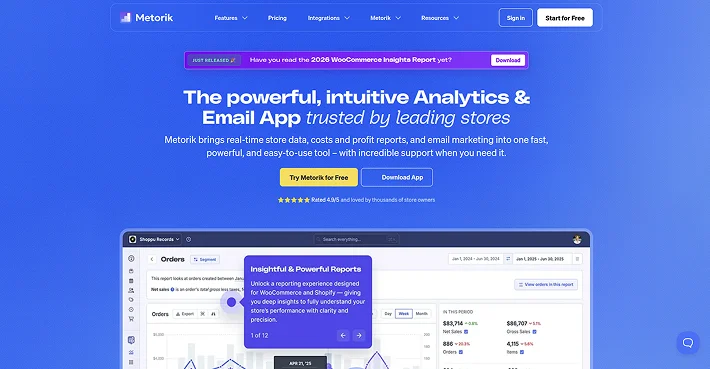
Once your subscription business is generating meaningful revenue, you need to understand what is happening inside it.
Metorik functions as a WooCommerce analytics solution that delivers understandable subscription metrics to users.
The platform displays your Monthly Recurring Revenue in a single view while enabling you to monitor customer cancellations and determine which subscription services generate the most revenue and which clients will probably stop their service.
The system includes an automated email segmentation feature that lets you execute win-back campaigns for subscribers who are about to unsubscribe from your current dashboard interface.
The system links to your WooCommerce store through a direct connection, which imports your existing data so you can avoid beginning with zero information.
Key Features
- MRR and ARR tracking
- Churn rate reporting
- Customer segments and cohorts
- Automated customer emails
- Export and filtering tools
Price: From $50/month.
Best For: Subscription WooCommerce stores past the early stage that need proper analytics to make growth decisions.
11. CartFlows
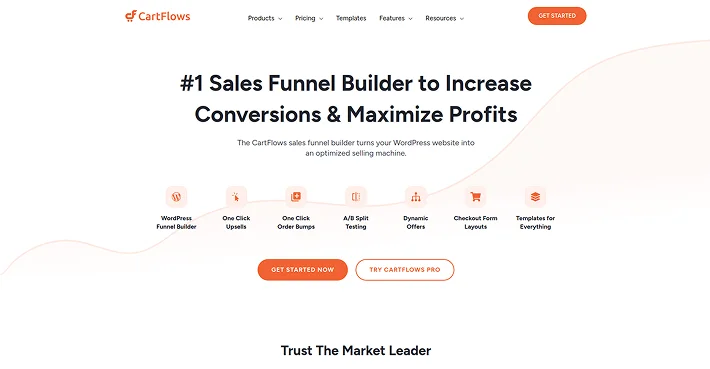
CartFlows is a WooCommerce checkout optimization plugin that enables users to resolve this issue. The platform lets you create personalized checkout systems that include order bump functionality and separate upsell pages for customers who want to enhance their purchase after checkout.
The feature benefits subscription stores because it enables them to present customers with cost-saving annual subscription options when they first create their monthly subscription account.
The conversions from a well-optimized checkout flow often pay for the plugin many times over.
Key Features
- Custom checkout page design
- Order bumps and one-click upsells
- A/B testing for checkout flows
- Cart abandonment recovery
- Integration with major subscription plugins
Price: From $99/year.
Best For: Subscription WooCommerce stores looking to increase their conversion rate and average order value at checkout.
12. MailPoet

Email functions as the most effective tool for keeping customers in subscription businesses. MailPoet functions as a WordPress-based email marketing solution that directly connects to WooCommerce to serve subscription-based businesses.
The system enables you to create automatic email notifications that remind customers about their upcoming renewal date and deliver messages to former subscribers and customers who want to move up to higher subscription plans.
Key Features
- WooCommerce-native email automation
- Subscriber segmentation
- Renewal reminder sequences
- Drag-and-drop email builder
- Free plan for under 1,000 subscribers
Price: Free up to 1,000 subscribers. Paid plans from $10/month.
Best For: Subscription WooCommerce stores that want automated retention email campaigns without leaving the WordPress ecosystem.
13. ThriveDesk
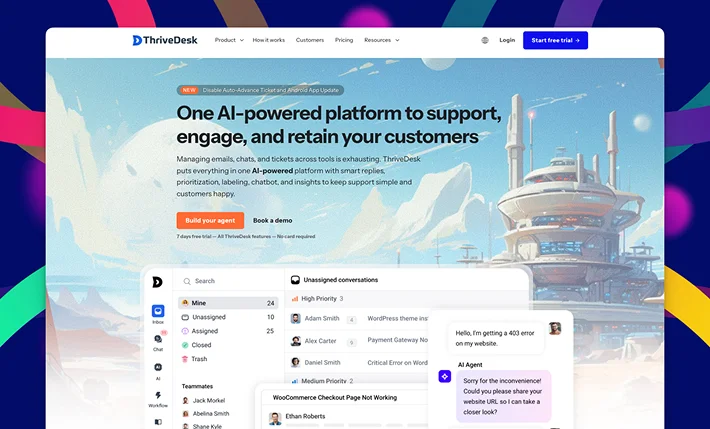
ThriveDesk provides your subscription business with a full customer support system, which includes a shared inbox to capture all messages, a live chat widget for instant customer communication, and a knowledge base that enables customers to find answers about typical questions, including subscription pause instructions and billing schedule information.
Organizations do not include helpdesk plugins when they build their subscription service infrastructure. But they absolutely should.
Here is the reality: subscription businesses live and die by churn.
Customer abandonment rates reach their highest point because users feel their needs are not being met. A subscriber who cannot get a fast, helpful answer to a billing question or an account issue is a subscriber who cancels.
The WooCommerce integration enables your support team to view order history and subscription status information through the conversation window.
Key Features
- Shared inbox with team assignments
- Live chat widget
- Built-in knowledge base
- WooCommerce order and subscription context in conversations
- Canned responses for common questions
Price: From $9/month, unlimited agents.
Best For: Any subscription WooCommerce store that wants to reduce churn through better customer support.
Quick Comparison: The Subscription Stack at a Glance
| Plugin | Role in Stack | Price | Best For |
| WPSubscription | Core subscription billing | $49/year | All subscription types |
| Putler | Subscription & revenue analytics | Starts at $20/month | WooCommerce subscription businesses |
| WebToffee Subscriptions | Core subscription billing | $99/year | Budget-conscious stores |
| YITH Subscriptions | Core subscription billing | Free / $179/year | Beginners |
| WooCommerce Memberships | Content access control | $199/year | Content creators |
| WooCommerce Subscriptions | Core subscription billing | $279/year | Established stores |
| Stripe for WooCommerce | Payment gateway | Free | Card payments |
| Metorik | Analytics and reporting | $50/month | Growth stage stores |
| CartFlows | Checkout optimization | $99/year | Conversion focused |
| MailPoet | Email marketing | Free / $10/month | Email retention |
| ThriveDesk | Customer support | From $9/month | All subscription stores |
Building Your Stack
You do not need all ten of these at once. Start with the essentials: a subscription billing plugin (WPSubscription is the easiest starting point), Stripe for payments, ThriveDesk for support, and MailPoet for retention emails. That four-plugin core will get your subscription business running properly.
Add Metorik when your subscriber base justifies deeper analytics. Add CartFlows when you want to optimize conversions. Add WooCommerce Memberships if you are gating content.
A subscription business built on a solid plugin stack is genuinely one of the most satisfying things to run on WooCommerce. Once the automated billing is humming along, renewals land in your account every month like clockwork. It is a good feeling.
Related Articles:
- Enticing Ways you can Price Products or Services On Your Pricing Tables
- 7 of the Excellent WordPress Social Media Sharing Plugins in 2026
- ARPrice – The Only Pricing Table Plugin with a Real-time Editor
One response to “10+ Best WooCommerce Plugins to Build a Subscription Business (Complete Stack)”
Leave a Reply
You must be logged in to post a comment.
[…] replacement, and extra toggle designs. Those matter once a site has brand-coloured sections, a WooCommerce checkout, or a logo that vanishes on a dark background. If you build for clients and need a […]