
11 Must-Have & Best WordPress Plugins for Dynamic Sites
A dynamic WordPress site does more than display content. It remembers who your visitors are, restricts what they can see, takes their payments, books their appointments and rewards them for coming back.
That kind of functionality doesn’t come out of the box. WordPress core handles pages and posts. Everything else user approval, points systems, licensing, booking, flexible billing comes from plugins built for that one job.
Pick the wrong ones, and you end up stitching together five tools that don’t talk to each other, or worse, one bloated plugin trying to do everything badly. Pick the right ones and your site runs itself.
We compared the dynamic WordPress plugins that actually earn a place on a dynamic WordPress site in 2026. Here are the 10 worth your time.
For a sense of what WordPress sites already run, the most widely used WordPress plugins are Yoast SEO, Contact Form 7 and WooCommerce.
Quick Comparison: Best WordPress Plugins For Dynamic Sites
| Rank | Plugin | Category | Free Version | Starting Price |
| 1 | myCred | Points & Rewards | ✅ | $99.99/year |
| 2 | ARMember | Membership & Content Restriction | ✅ | $89/year |
| 3 | Revertix | Staging, Backup & Migration | ✅ | $99/year |
| 4 | BookingPress | Appointment Booking | ✅ | $89/year |
| 5 | License Manager for WooCommerce | Software Licensing | ✅ | $129.99/year |
| 6 | Payment Plans for WooCommerce | Installment Billing | ❌ | $59/year |
| 7 | ARForms | Forms & Lead Generation | ✅ | $39 (Lifetime) |
| 8 | WP Rocket | Performance & Caching | ❌ | $59/year |
| 9 | Wordfence | Security | ✅ | $149/year |
| 10 | Rank Math | SEO | ✅ | $95.88/year |
| 11 | New User Approve | User Approval | ✅ | $59.99/year |
1. myCred
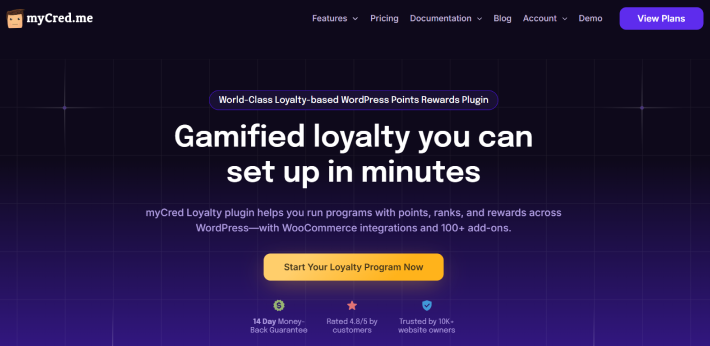
myCred turns any WordPress or WooCommerce site into a points-based rewards engine. Award points for logins, purchases, comments, referrals, anything you can hook into, then let users redeem them for discounts, content, or badges.
It’s the backbone of any site trying to keep users coming back instead of visiting once and leaving.
Standout features:
- Unlimited point types, ranks and badges
- Deep hook system that connects to WooCommerce, BuddyPress, LearnDash and more
- Daily login rewards and gamification tools
- 50+ premium add-ons covering everything from a single WordPress loyalty program to multiple leaderboard widgets
Pros:
- Free core plugin is genuinely capable on its own
- Massive integration library
- Active development and responsive support
Cons:
- The sheer number of hooks and settings takes time to learn
- Full feature set requires stacking paid add-ons
Pricing: Free core version. Paid plans start at $99.99/year for 23 add-ons on a single site.
2. ARMember
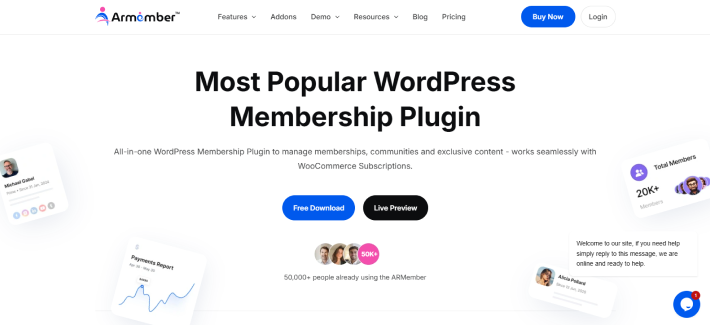
Trusted by 50,000 businesses, ARMember lets you create your own membership site for monetizing your premium content. This way you can generate recurring revenue by restricting posts, pages, categories, URLs, or any content area of your choice.
Using ARMember, you create an unlimited number of membership plans with different prices and access control. Later, drip content over time to keep members engaged, alongside creating gamification elements such as badges, points and achievements.
Standout features:
- Advanced content restriction and content dripping.
- 21+ payment gateways for secure local or international transactions.
- In-built drag and drop form builder.
- Social community with members directory and public profile.
- Connects easily with popular email platforms and CRM solutions.
Pros:
- 62+ in-built addons.
- Generous free version covering all core features.
- Beginner friendly.
Cons:
- Beginners will need time to explore all 62+ in-built add-ons.
- Some advanced features need a pro version.
Pricing: Free version available. Paid plans start at $89/year.
3. Revertix
The more dynamic a site gets, the more expensive a broken update becomes. On a static blog you restore yesterday’s snapshot and lose nothing. On a site with memberships, orders and bookings, that same restore also wipes out hours of real customer activity.
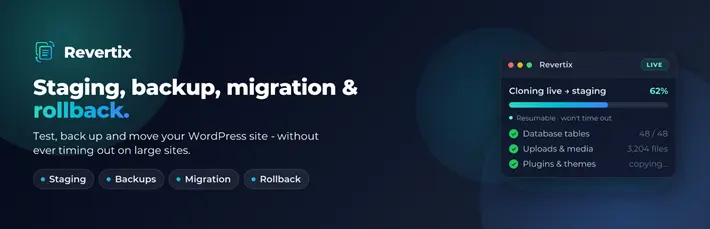
Revertix puts staging, full backups, whole-site migration and plugin rollback into a single dashboard, so you test changes on a real copy of your site instead of on live. Every heavy job runs in small, resumable chunks, which is why cloning or backing up a large WooCommerce database keeps going on shared hosting instead of dying on a PHP timeout
Standout features:
- One-click staging site, login-protected and de-indexed automatically
- Full database and file backups, with a safety backup taken before every restore
- Export and import your whole site as one portable .zip, with serialize-safe search and replace so WooCommerce and Elementor data survives a host or domain change
- Per-plugin and per-theme rollback from the dashboard, with an automatic safety snapshot first
- Push and pull sync between staging and live, with a file and line level diff on Pro so you apply only the changes you pick
Pros:
- Resumable, time-budgeted engine means large sites and slow hosts finish the job instead of timing out
- Replaces three separate plugins – staging, backup and migration – with one
- The free plugin does not phone home, and nothing leaves your own server
Cons:
- Scheduled automatic backups and staging-to-live sync are Pro-only
- The free tier rolls plugins back to the previous version only, not to any earlier version
- Newer than the long-established backup plugins, so the community knowledge base is still growing
Pricing: Free core plugin on WordPress.org. Pro starts at $99/year for a single site, $199/year for 3 sites and $299/year for unlimited sites.
4. BookingPress
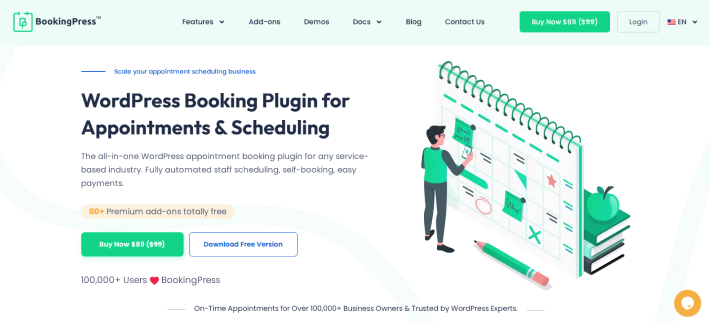
If you run any appointment-based businesses on WordPress, BookingPress is the best WordPress plugin for turning your simple site into a complete, powerful booking system. Packed with a set of 60+ premium addons, you can manage online bookings, accept secure payments, and send automatic reminders, all from one system.
Standout features:
- Unlimited staff and service categories
- Two-way Google Calendar sync, Outlook calendar and iCal integration
- 21+ payment gateways + POS system
- Dynamic pricing, custom duration services, flexible booking rules
Pros:
- Fully customizable booking form
- Sell service packages and upsell with Service extras
- Modern SaaS like user interface
Cons:
- Some advanced features needs pro version
- Beginners will need time to explore all features
Pricing: Free version available. The premium version starts at $89/year.
5. License Manager for WooCommerce
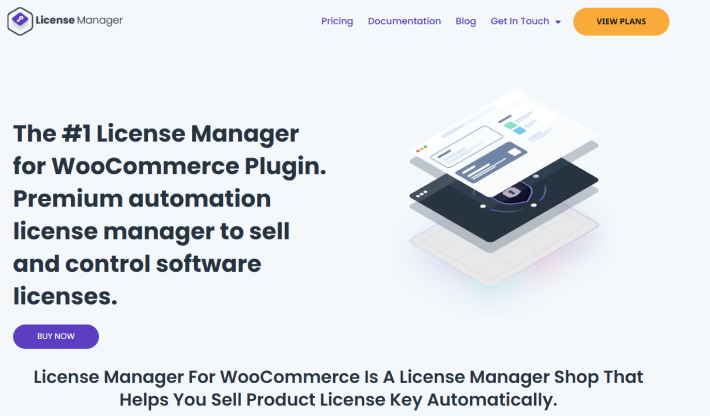
Selling software, plugins, or digital licenses through WooCommerce. License Manager for WooCommerce generates, delivers, and tracks license keys automatically, with encrypted storage and a REST API for your own validation logic.
Standout features:
- Automatic license key generation and delivery on purchase
- Encrypted license storage
- Bulk import and export in CSV or TXT
- REST API for activation, deactivation and validation
Pros:
- Free version handles standard key distribution end to end
- Solid choice for developers and SaaS vendors selling through WooCommerce
- Stock management updates automatically as licenses sell
Cons:
- PDF certificates, webhooks and WooCommerce Subscriptions integration require a paid plan
- Interface feels utilitarian rather than polished
Pricing: Free version on WordPress.org. Paid plans start at $129.99/year for a single site.
6. Payment Plans for WooCommerce
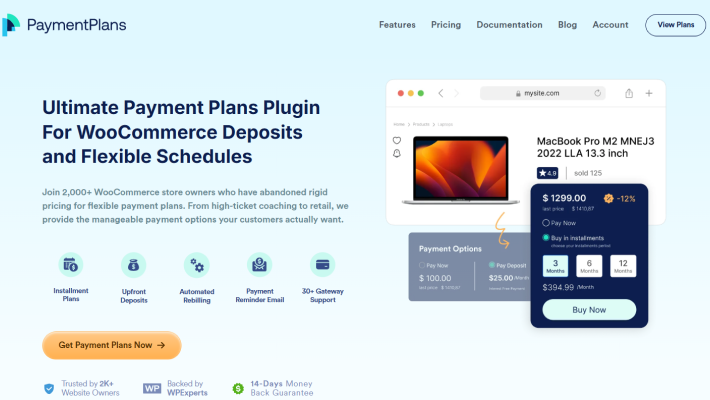
Not every customer can pay for a $2,000 product upfront. Payment Plans for WooCommerce lets you split any product into installments, deposits, or a custom schedule, with automatic billing and rebilling on failed payments.
Standout features:
- Product-level and cart-level payment plans
- Integrates with 30+ payment gateways including Stripe, PayPal, Square and Authorize.Net
- Automatic rebilling on failed installments
- Mixed product pages, so the same product can be bought outright or on a plan
Pros:
- Genuinely automated recurring billing, unlike many competitors that only automate the first payment
- Works with LearnDash for course payment plans
- Clear payment schedule shown to customers at checkout
Cons:
- No free version to test before buying
- Some advanced scheduling options need documentation to configure correctly
Pricing: No free version. Basic plan starts at $59/year.
7. ARForms
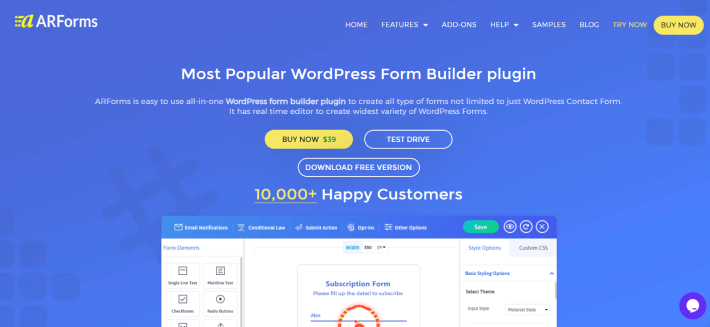
Every dynamic site needs forms that do more than collect a name and email. ARForms handles registration forms, payment forms, surveys and conditional logic without touching code.
Standout features:
- Drag-and-drop builder with 50+ template library
- 33+ customizable field types
- Conditional and Math logic for dynamic, multi-path forms
- Integrations with MailChimp, Aweber, GetResponse, Mad Mimi, and more.
Pros:
- Easiest onboarding of any major WordPress form plugin
- 10,000+ active installs, so support content and tutorials are everywhere
- Reliable spam protection out of the box
Cons:
- Limited Lite plugin
- Some advanced integrations needs pro version
Pricing: Free version available. The Pro plans cost $39 for lifetime license.
8. WP Rocket

A dynamic site does more database work than a static blog, which means it’s more exposed to slow load times. WP Rocket handles page caching, file minification, lazy loading and database cleanup without asking you to touch a config file.
Standout features:
- One-click page caching with sensible defaults
- CSS and JavaScript minification and deferral
- Lazy loading for images and iframes
- Database cleanup tools
Pros:
- Works immediately on activation, no manual tuning required
- All plans include every feature, you’re only paying for site count
- Well documented and widely compatible with major themes and plugins
Cons:
- No free version or trial
- Overlaps with some hosting-level caching, so check your host first
Pricing: No free version. Single-site plan starts at $59/year.
9. Wordfence
More user accounts and payment flows mean more attack surface. Wordfence covers the firewall, malware scanning and login security a dynamic site needs to stay off the wrong kind of radar.
Standout features:
- Web application firewall with real-time rule updates on Premium
- Malware scanning against a continuously updated signature database
- Two-factor authentication on both free and paid tiers
- Country-level IP blocking
Pros:
- Free version is legitimately strong, not just a teaser
- Real-time firewall rules on Premium close the gap free users wait 30 days for
- Widely used, so documentation and community troubleshooting are extensive
Cons:
- Premium pricing scales fast if you manage several sites
- Can be resource-heavy on shared hosting during a full scan
Pricing: Free version available. Premium starts at $149/year per site.
10. Rank Math
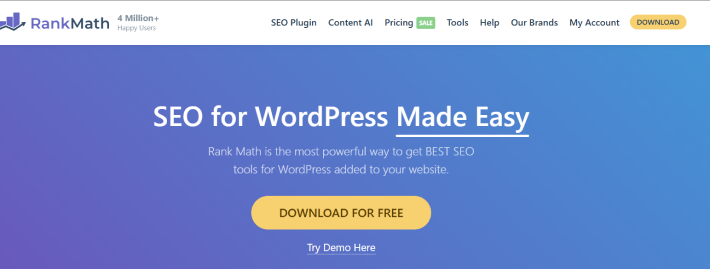
None of the above matters if nobody finds your site. Rank Math handles on-page SEO, schema markup and technical audits from inside the WordPress dashboard.
Standout features:
- Real-time on-page SEO analysis
- Advanced schema markup, including for dynamic content types
- Built-in redirect manager and 404 monitor
- Keyword rank tracking on paid plans
Pros:
- Free version out-features many competitors’ paid tiers
- Setup wizard makes initial configuration fast
- Frequent updates and active development
Cons:
- Some reviewers report friction around renewal billing and cancellation
- Full keyword tracking and Content AI require Pro
Pricing: Free version available. Pro starts at roughly $95.88/year, billed annually at an introductory rate.
11. New User Approve
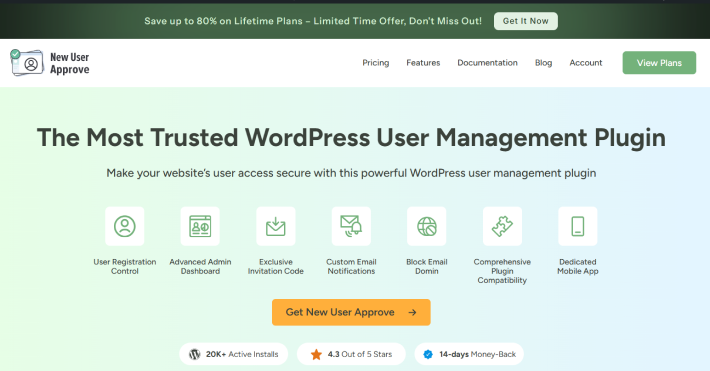
Open user registration is an open door for spam accounts and bots. New User Approve puts a manual or conditional approval step between signup and access, so nobody gets into your site, course, or community without your say-so.
Standout features:
- Hold new users as pending until approved
- Auto-approve trusted email domains, blacklist suspicious ones
- Invite-only registration with bulk invitation codes
- Native mobile app for approving or rejecting users on the go
Pros:
- Free version covers the core approval workflow completely
- Works cleanly with WooCommerce, MemberPress, BuddyPress and LearnDash
- Mobile app means you’re not tied to the WordPress dashboard to approve users
Cons:
- Advanced automation (deadline-based registration, role change requests) needs the Business tier
- Zapier integration is limited on lower plans
Pricing: Free version available. Paid plans start at $59.99/year.
Last Word
These ten plugins solve ten different problems, but on a real dynamic WordPress site they work together. New User Approve gates who gets in. myCred rewards them for sticking around. GravityBooking and Payment Plans for WooCommerce handle the money and the calendar. License Manager delivers digital products automatically. WPForms captures everything in between. WP Rocket, Wordfence and Rank Math keep the whole thing fast, safe and findable.
If membership tiers and content restrictions are the missing piece in that stack, that’s worth a separate look entirely.
Related Articles:
- 7 Best WordPress Quiz Plugins That Increase Engagement in 2026
- The Impeccable List of Google Analytics Plugins for WordPress in 2026
- 8 Best WordPress Membership Plugins in 2026 (Compared)
Leave a Reply
You must be logged in to post a comment.