
Top 10+ WooCommerce Extensions to Increase Conversions
Looking for the best WooCommerce extensions and tools to grow your eCommerce store’s sales? Your search ends here.
Most WooCommerce store owners like you spent weeks perfecting their eCommerce store. But the sales aren’t exactly what they hoped for.
Out of the box, WooCommerce is the most powerful framework, yet without the right WooCommerce add-ons and tools, it’s like driving a sports car in second gear.
Today, we’re shifting into overdrive with 10 essential WooCommerce extensions so you can turn your “random browsers” into “actual buyers” overnight.
Quick Look: Best WooCommerce Extensions for eCommerce sites
Don’t have time to read? No problem! Here’s the quick WooCommerce plugin list to pick your best WooCommerce add-ons.
| Plugin | Category | Free Version | Starting Price | Best For |
| WooPayments | Payment Gateway | ✅ Yes | Free (transaction fees apply) | Built-in payment processing inside WordPress |
| WooCommerce Shipping | Shipping & Fulfillment | ✅ Yes | Free (pay per label) | USPS, UPS, DHL label generation |
| Display Product Variations Dropdown | UX / Conversion | ✅ Yes | $19 (one-time) | Quick variation selection on shop page |
| WooCommerce Subscriptions | Recurring Billing | ❌ No | $279/year | Subscription & membership models |
| Show Variations On Shop & Category | Catalog Optimization | ✅ Yes | $15 (one-time) | Show variations as separate products |
| WooPaddle | Payment Gateway | ❌ No | $69 (one-time) | Smooth Paddle integration to accept payment globally |
| Google for WooCommerce | Marketing Integration | ✅ Yes | Free | Google Shopping & Ads sync |
| Facebook for WooCommerce | Social Commerce | ✅ Yes | Free | Facebook & Instagram product sync |
| Product Enquiry for WooCommerce | Lead Generation | ✅ Yes | $25 (one-time) | Quote requests & enquiries |
| OptinMonster | Conversion Optimization | ✅ Yes | $84/year | Lead capture & cart abandonment recovery |
| PDF Invoices & Packing Slips | Operations Automation | ✅ Yes | €69/year | Automated invoices & packing slips |
What Are WooCommerce Extensions?
WooCommerce extensions are the add-on tools you install in your WordPress website to give your simple online store extra advanced features.
Think of WooCommerce like a smartphone. Obviously, it can make calls and send texts, but it’s the apps that make it truly useful.
In the same way, WooCommerce add-ons are like “apps” for your online store. They add extra features such as specialized payments, shipping automation or marketing features, to enhance your Woo store’s functionalities.
Why E-Commerce Websites Need WooCommerce Extensions
These days, WooCommerce powers over 33% of all online stores around the world, with some businesses reporting over $12 million in revenue per year.
What if I told you that your WordPress dashboard is currently hiding a 30% increase in average order value?
It’s not in the default settings. It’s tucked away in a handful of high impact extensions that the top 1% of eCommerce brands use to automate their growth.
WooCommerce is powerful out of the box. But if you’re running a serious e-commerce website, the default features are rarely enough. That’s why every e-Commerce business who wants to:
- Add advanced features without custom development
- Improve conversions and increase revenue
- Offer multiple payment and shipping options
- Automate store operations
- Personalize customer experience
- Boost SEO ranking and marketing performance
- Build specialized business models
And grow without rebuilding your complete eCommerce website must get WooCommerce extensions.
Top 10 Best WooCommerce Plugins & Extensions in 2026
1. WooPayments
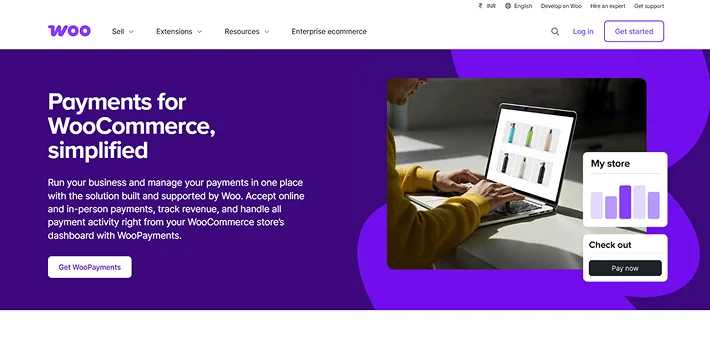
Best For: Store owners who want a native “quiet workhorse” payment solution fully integrated into the WordPress dashboard.
WooPayments is the official WooCommerce payment extension that handles all online and in-person transactions.
This WooCommerce plugin manages all transactions, refunds, disputes and payouts right from your WordPress dashboard. Moreover, this WooCommerce extension for payment keeps everything centralized, secure and easy to manage.
Key Features:
- Multi-currency support for 135+ currencies.
- Buy now, pay later (BNPL) in one click.
- Integrated fraud protection.
- Custom payout schedule.
- Express checkouts such as Apple Pay, Google Pay, WooPay (US only) and PCI-compliant tokenization.
Pricing: No setup, monthly or hidden fees. Just pay-as-you-go fees per transaction.
2. WooCommerce Shipping
Best for: US-based store owners who want accurate shipping costs, faster order processing and professional-grade labels.
WooCommerce Shipping brings powerful shipping features directly into your eCommerce store without relying on third party accounts or complicated tools.
This is a built-in WooCommerce extension, developed by WooCommerce itself. It allows merchants and business owners to manage their complete shipping and fulfillment process.
Key Features:
- Buy USPS, UPS, and DHL labels at lower prices with live rate comparisons across carriers.
- Generate and print shipping labels in one click.
- Split Shipments to send partial orders as items become available.
- All shipments are 100% carbon neutral by default.
- Automatic address validation at checkout.
Pricing: No monthly subscription fees. You pay for the labels you purchase only.
3. Product Variations Dropdown On Shop Page for WooCommerce
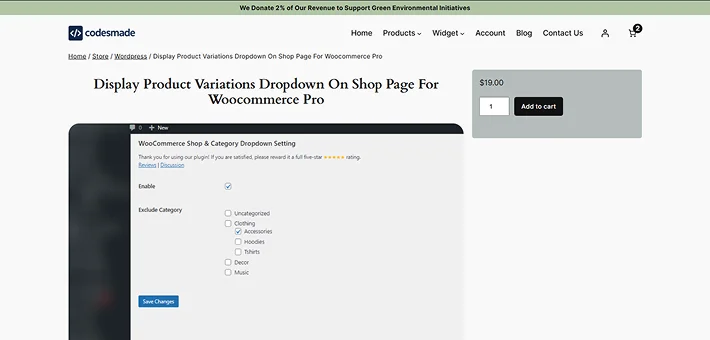
Best For: Store owners who sell variable products and want to make choosing variations (like size, color, and a lot more) faster and easier.
By default, WooCommerce gets customers to go to the individual product page before selecting a variation, which is time-consuming, as we all know.
This Variations Dropdown On Shop Page for WooCommerce plugin, Display Product Variations Dropdown on Shop Page, makes shopping faster by letting customers choose product options (such as size or color) straight from your main shop or category pages.
This WooCommerce add-on puts the variation dropdown directly on the shop or archive pages, lowering friction and boosting conversions.
Key Features:
- One click installation and simple setup.
- Shop and category display.
- Multiple display options such as dropdown or separate items.
- Easy Add to Cart of selected variations.
- Dynamically updates product images when variations are selected.
Pricing: Display Product Variations Dropdown On Shop Page For Woocommerce has a free version in the WordPress plugin directory. The Pro version starts from Woocommerce Pro at $19.00 for one time.
4. WooCommerce Subscriptions
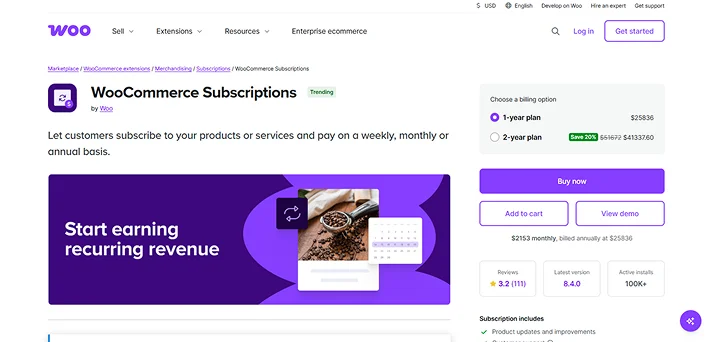
Best For: Online stores that want to sell products or services on a recurring billing model such as subscriptions, memberships, digital services or replenishable products.
WooCommerce Subscriptions is one of the most essential premium WooCommerce extensions for boosting customer lifetime value. It lets you create and manage products with recurring payments.
This WooCommerce integration turns your online store into a reliable subscription based business. Thus, you can offer recurring plans that keep your customers coming back.
Key Features:
- Retries failed subscription payments up to 3 times automatically.
- Weekly, monthly or yearly billing.
- More than 25+ payment gateways.
- Customers can easily upgrade, downgrade, pause, resume or cancel their subscription.
- Free trials and signup fees with recurring subscription charges.
Pricing: It is a premium WooCommerce extension that starts from $279/Year.
5. Show Variations On Shop & Category WooCommerce
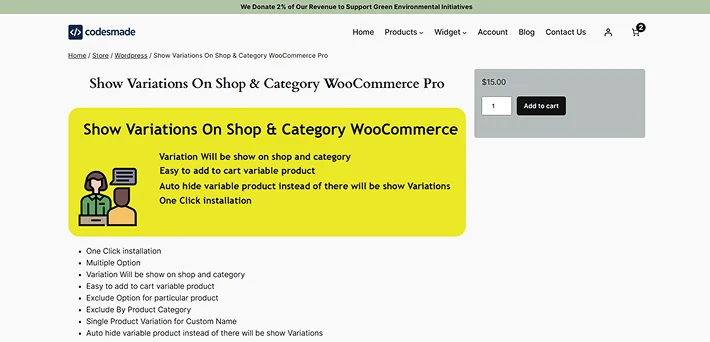
Best For: WooCommerce stores with many product options that want to make their catalog look larger and more diverse.
Unlike the default WooCommerce behavior (where customers must visit the single product page to see variations), this WooCommerce module shows variations right where customers browse, improving convenience and increasing add-to-cart rates.
Show Variations On Shop & Category WooCommerce extension by CodesMade is a powerful conversion WooCommerce tool that allows each specific option (such as “Red Shirt” or “Blue Shirt”) to appear as its own individual item on your shop pages.
Key Features:
- Show each variation individually on shop and category pages.
- Add specific variations straight to cart from shop/category.
- Enable/disable specific variations per product.
- Custom variation titles for better search matching.
- Works with WooCommerce attribute, category, tag, and price filters smoothly.
Pricing: Show Variations On Shop & Category WooCommerce offers a free version in the WordPress plugin directory, and the Pro version starts from $15 for one time only.
6. WooPaddle
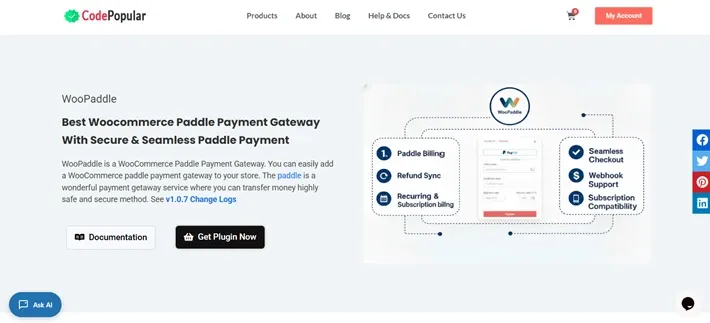
Best For: WooCommerce store owners who want a Paddle powered payment gateway
WooPaddle is a premium WooCommerce plugin that smoothly integrates the Paddle payment platform into your WooCommerce store.
It supports one time payments and subscription billings, alongside a smooth checkout experience, which is fully integrated into the WooCommerce checkout flow. This plugin works perfectly with both Paddle’s Classic API and the modern Billing API to give you full flexibility.
Key Features:
- Advanced fraud protection.
- Refund sync management.
- Sell recurring and subscriptions with ease.
- Popup cart + easy checkout experience.
- Accept global payment methods such as PayPal, Apple Pay, credit cards and more.
Pricing: It is a premium WooCommerce extension that starts from $69 for lifetime.
7. Google for WooCommerce
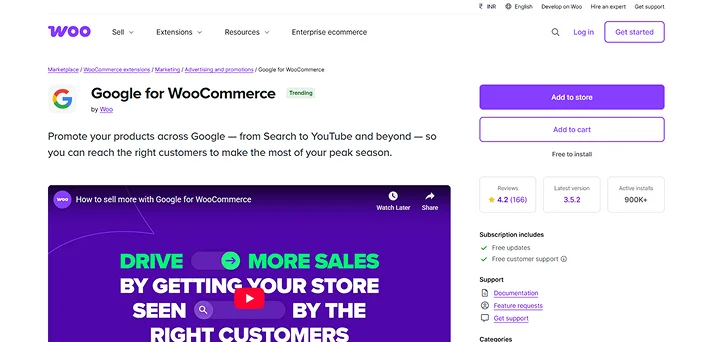
Best for: e-Commerce store owners who want to get their products in front of shoppers on Google Search, YouTube and Gmail with no hassle.
Google for WooCommerce (formerly Google Listing & Ads) is an official WooCommerce integration that connects your eCommerce site directly to the Google ecosystem.
This WooCommerce eCommerce plugin makes it easy to connect your store to Google Ads, Google Analytics 4 (GA4) and Merchant Center, so you can track performance, run smart ads and show products across Google Shopping.
Key Features:
- Sync WooCommerce products automatically to Google Merchant Center for free product listing.
- Launch and manage Google Ads Performance Max campaigns right from your Woo dashboard.
- Connect with Google accounts and sync products in just one click.
- Real time sync updates prices, inventory and product data automatically.
- Built-in Google tagging and analytics to track conversions.
Pricing: 100% free to go!
8. Facebook for WooCommerce
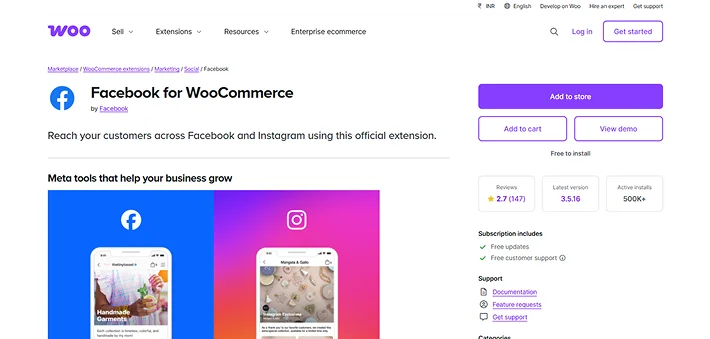
Best For: Businesses who want to drive sales through social media and create a seamless “Social Shop” experience.
Facebook for WooCommerce is the official social commerce extension that bridges your store with Meta’s platforms (Facebook and Instagram) to reach billions of buyers.
This WooCommerce plugin syncs your online eCommerce store with Meta services. So, you can create optimized ad campaigns, enable Instagram product tagging and track customer actions accurately, all from one integration.
Key Features:
- Automatic product sync of all WooCommerce catalogs in one click. Creates shoppable storefronts on Facebook pages and Instagram profiles.
- Run automated remarketing ads showing products to customers who viewed but didn’t buy.
- Instagram shopping tags to tag products in posts, stories, and reels.
- Tracks conversions, builds custom audiences and optimizes ad performance right from your Woo dashboard.
Pricing: Free to install.
9. Product Enquiry for WooCommerce
Best For: Store owners selling high value items, custom made goods or services where a conversation is a must before a sale.
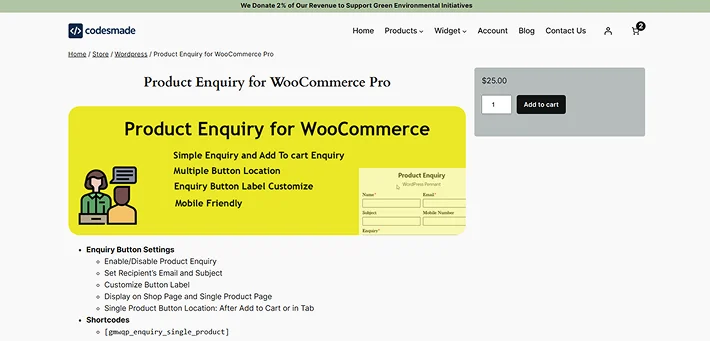
Product Enquiry for WooCommerce is another best WooCommerce extension that allows your shoppers to ask questions, request quotes, or get more details right from the product page.
Further, this WooCommerce tool is also great for boosting customer engagement and capturing sales inquiries, especially for high ticket, customizable or complex products that need personal attention.
Key Features:
- Place “Request Quote” or “Enquiry” buttons on product pages, shop, archives, or specific items.
- Drag and drop form builders.
- Enquiry cart widget.
- Automatically show enquiry buttons only on unavailable products.
- Bulk product inquiries by sending single quote requests for multiple items.
Pricing: Product Enquiry for WooCommerce offers a free version in the WordPress plugin directory and its Pro plan starts from $25 for one time only.
10. OptinMonster
Best for: WooCommerce store owners who want to convert more visitors into subscribers and customers using high converting lead capture and behavioral marketing tools.
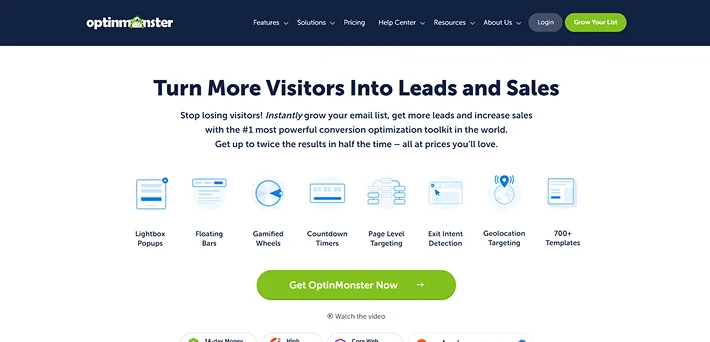
OptinMonster is one of the most powerful conversion optimization toolkits for WooCommerce. It helps e-Commerce websites stop cart abandonment and grow their email list using smart popups and personalized offers.
Key Features:
- WooCommerce page targeting and product category targeting.
- Cart Behavior Triggers shows popups based on cart items, count and more.
- Exit-Intent feature captures abandoning visitors on WooCommerce pages with timed exit popups.
- One click WooCommerce connection via plugin for fast integration.
- Test WooCommerce-specific campaigns with A/B testing.
Pricing: OptinMonster has a free version in the WordPress plugin directory and a paid plan starts from $84/year ($7/month – billed yearly).
11. PDF Invoices & Packing Slips for WooCommerce
Best For: WooCommerce store owners who want a professional automated invoicing and packing slip system.
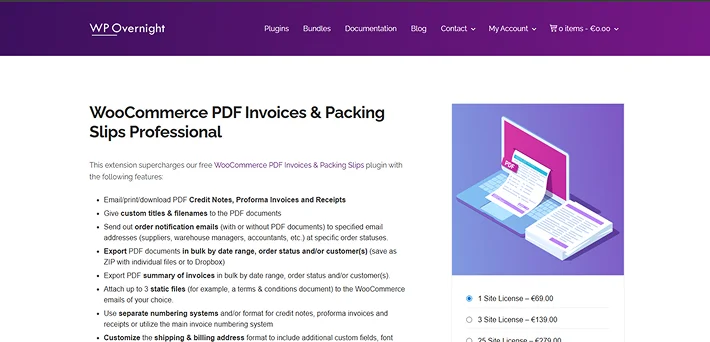
PDF Invoices & Packing Slips for WooCommerce is another top WooCommerce plugin that integrates with WooCommerce in just one click and automatically adds a PDF or XML invoice to the order confirmation emails sent to customers.
This WooCommerce extension generates clean and branded PDF invoices, packing slips, credit notes and delivery notes automatically for every order.
Key Features:
- Generate professional credit notes, proforma invoices and receipts automatically.
- Set custom document titles and filenames.
- Bulk PDF export.
- Send PDFs notification emails at specific order statuses.
- Automatically attach PDFs to customer order confirmation and refund emails.
Pricing: The free version is available in the WordPress plugin directory and the premium plan starts from €69.00/Year.
How to Choose the Best WooCommerce Extensions
Not all WooCommerce extensions are worth installing. That’s why choosing the right WooCommerce extensions that fit and grow your eCommerce business needs a strategic way of evaluation.
At ARPrice, we have over a decade of experience reviewing and analyzing WordPress plugins, which makes one thing clear: Not every popular extension is worth for your store.
The best WooCommerce integration depends on your business model, growth stage and long term goals for your eCommerce business. Thus, here’s how to choose your “best” WooCommerce plugins:
- Start With Your Business Model (Not the Plugin List): Before exploring features, clearly define what you sell, who you sell to and how you monetize.
- Compatibility & Performance: Make sure the WooCommerce extension you pick supports your WooCommerce and WordPress versions and works as expected.
- Think About Scalability: Choose extensions that can grow with your business by handling more products, higher traffic and advanced integrations in the future.
- Check Developer Reputation & Support: Reliable documentation, active support, and a consistent update history matter a lot.
- Avoid Plugin Overlap: Installing multiple plugins with sthe ame functionality creates conflicts and slows your backend.
- Compare Free vs Premium Strategically: Free WooCommerce plugins sure work for basic features. However, premium extensions come with better features, updates and support.
- Test Before Going Live: Always remember to test new extensions on a staging site.
Ready to Upgrade Your WooCommerce Store?
WooCommerce is powerful but the right WooCommerce extensions are what turn it into a revenue engine. You don’t need 50 plugins. You need the right 5-10 strategic WooCommerce add-ons that:
- Increase conversions.
- Automate operations.
- Improve customer experience.
- Boost average order value.
No matter whether you run a small startup or a high traffic eCommerce website, the best WooCommerce extensions help you work smarter.
Remember: Every high-performing WooCommerce store you admire isn’t using “magic.” They’re using the right WooCommerce tools strategically.
Now it’s your move. Which WooCommerce extension are you installing first?
You May Also Like:
- Top 7 WooCommerce Shipping Plugins for Smarter Delivery
- Top 5 WooCommerce Points and Rewards Plugins
- 7 Best WordPress Membership Plugins (Compared)
FAQs
What are the best plugins for WooCommerce?
Here are the best plugins for WooCommerce:
- Product Variations Dropdown On Shop Page for WooCommerce
- WooCommerce Shipping
- WooCommerce Subscriptions
- OptinMonster
- Product Enquiry for WooCommerce
Where can I find plugins in WooCommerce?
In the WooCommerce plugin marketplace, you can find plugins (also called extensions) by going to WooCommerce > Extensions. Some plugins are also downloadable from their official website.
What is the purpose of WooCommerce extensions?
The purpose of the WooCommerce extension is to expand the core functionalities of your WooCommerce store by adding extra business specific features such as advanced payments, automated shipping, marketing, and more.
Are WooCommerce plugins free?
Yes, most WooCommerce plugins are free to install and use. However, if you want advanced features, you have to go for the premium version.
Leave a Reply
You must be logged in to post a comment.